Dispatchingmade simple
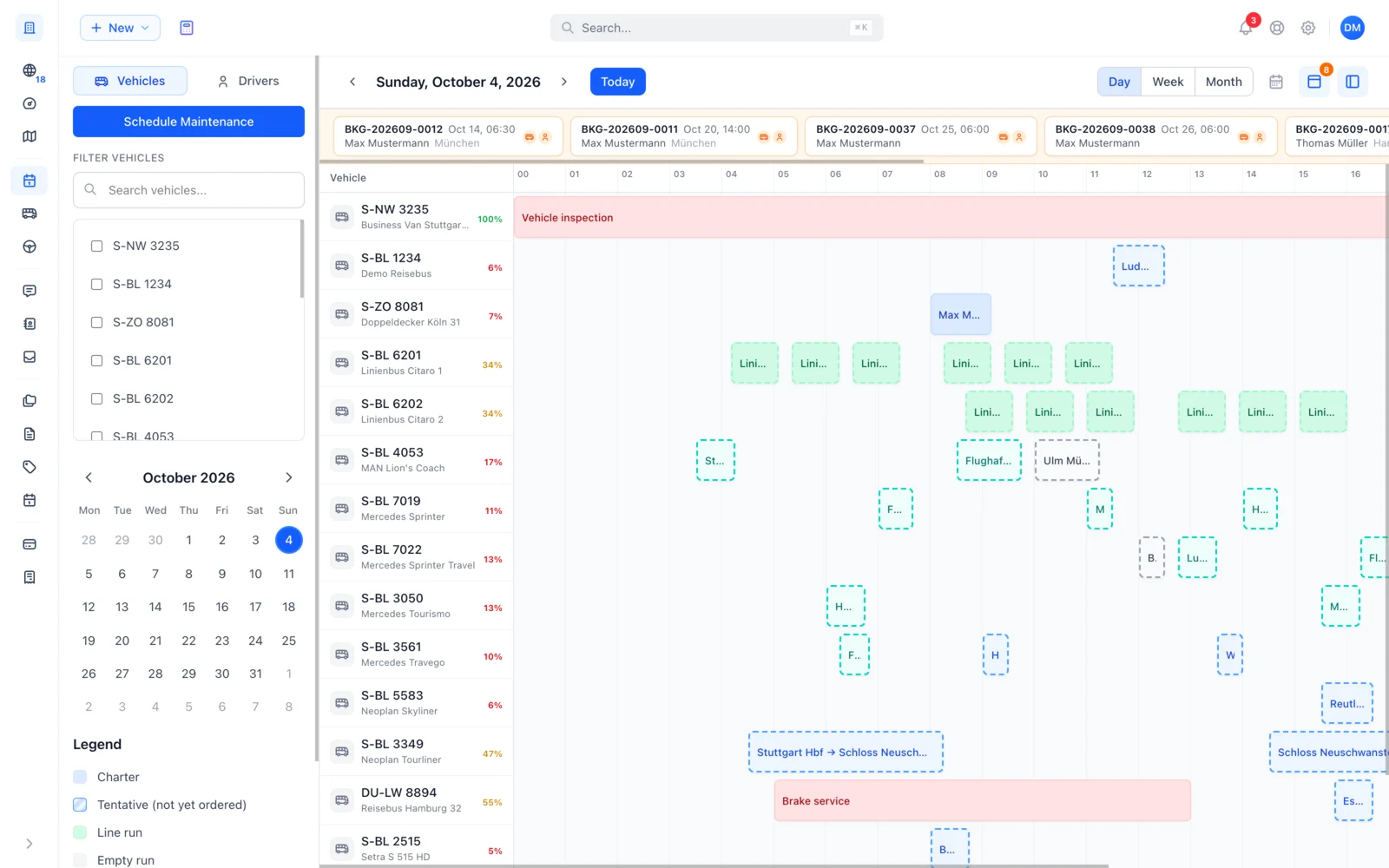
Completely free. Bookings, requests, deadhead trips and maintenance on a single screen – assign buses and drivers per job and see at a glance who is available when.





Plan buses and drivers on one screen
See your full fleet in day or week view. Switch seamlessly between bus and driver perspective and assign each job the right vehicle-driver pair.
- Day and week view for every bus and driver
- Multiple vehicle-driver pairs per job possible
- Filter for available buses, available drivers and utilisation
- Outbound, return and standby phases linked automatically
Leipzig Coach 28
Coach
Frankfurt Minibus
Minibus
One click and the week is planned
Drag individual trips onto your drivers yourself or let Busly distribute the rest. Driving time, daily rest and working hours are respected, and whatever you have already planned stays put. You review the proposal and accept what fits.
Plan deadhead and transfer trips between jobs
Plan deadhead trips between jobs or transfer trips to the workshop straight in the calendar. Each deadhead or transfer appears on the right bus – linked to the previous and next job.
- Insert deadhead between two jobs in two clicks
- Transfer trips to workshop, depot or other locations
- Standby phases between outbound and return visible
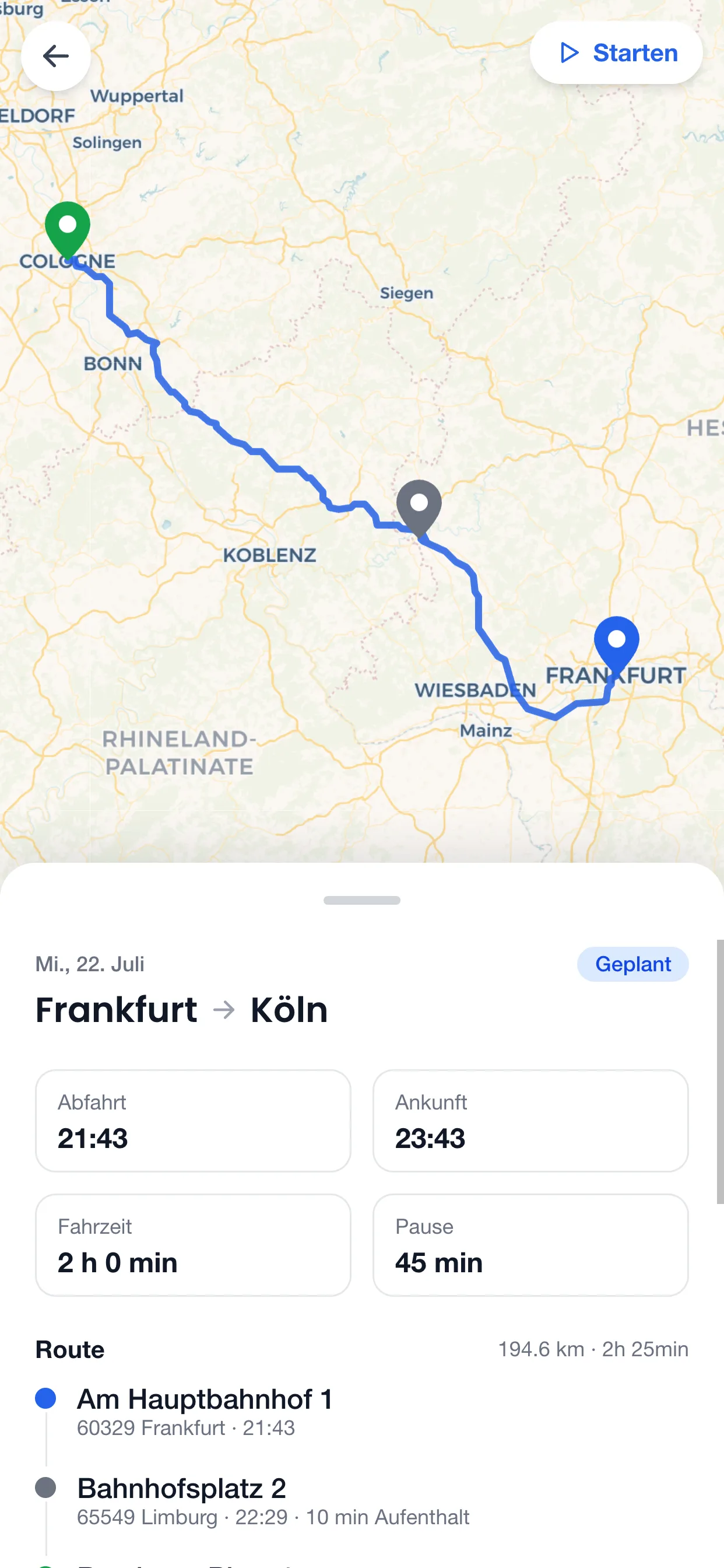
The plan in the office, the trip with the driver
Vehicles, drivers, empty runs and maintenance sit in one weekly plan – conflicts show up immediately. Whatever you assign lands in the driver app automatically: route, stops and times, without a phone call or a printout.
Matching orders right in your weekly plan
Busly computes open orders against your calendar and drops matching suggestions exactly where you still have free slots – with match score, positioning and utilisation at a glance.
- Suggestions appear automatically at your free slots
- Empty runs and idle time turn into paid orders
- Plannable up to two weeks ahead instead of under last-minute pressure
Corporate trip to Hamburg
🎯92% MatchSchool trip Deutsches Museum
🎯88% MatchSpot conflicts at a glance
Once a bus or driver is scheduled for a time slot, they are locked for other jobs. You see at once which resources are free and which aren't – overlapping slots are marked directly in the calendar.
Maintenance and driver availability built into the plan
TÜV, MOT and workshop visits are part of your plan, just like driver holiday, sickness or training. All in one view – so jobs never collide with downtime.
- Maintenance as full-day or hourly blocks
- Driver absences with reason and note
- Visible immediately in bus and driver calendars
Reserve bus and driver before the offer goes out
For larger requests you can already assign a bus and driver – before sending a binding offer. You instantly know whether the resources are free and avoid double offers.
- Pre-reservation per request – cleared automatically with the offer
- Visible in the calendar as a pending element
- Converts automatically into a real booking with the offer
Wellness day trip
Dispatching is only one part of the Busly Software
Booking workflow, offer management, invoices, Stripe payouts, fleet and driver management – dispatching is part of the complete Busly Software for your company.
Four steps to efficient dispatching
From the first bus to your planned day – fast and without training

Register for free
Sign up as a bus company, add your business details and start straight away.
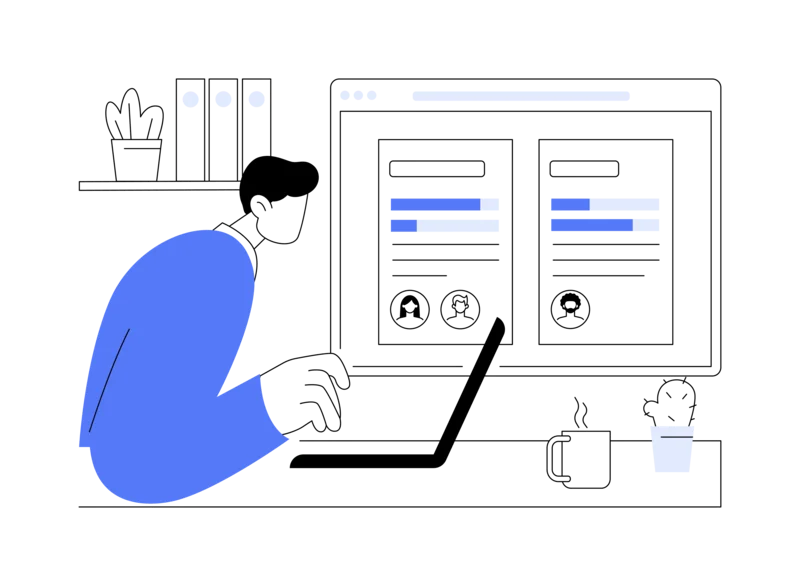
Add fleet and drivers
Capture buses with capacity, equipment and maintenance schedule, add drivers with licence categories.

Add jobs
Receive enquiries via Busly or enter external jobs yourself – everything ends up in the same plan.
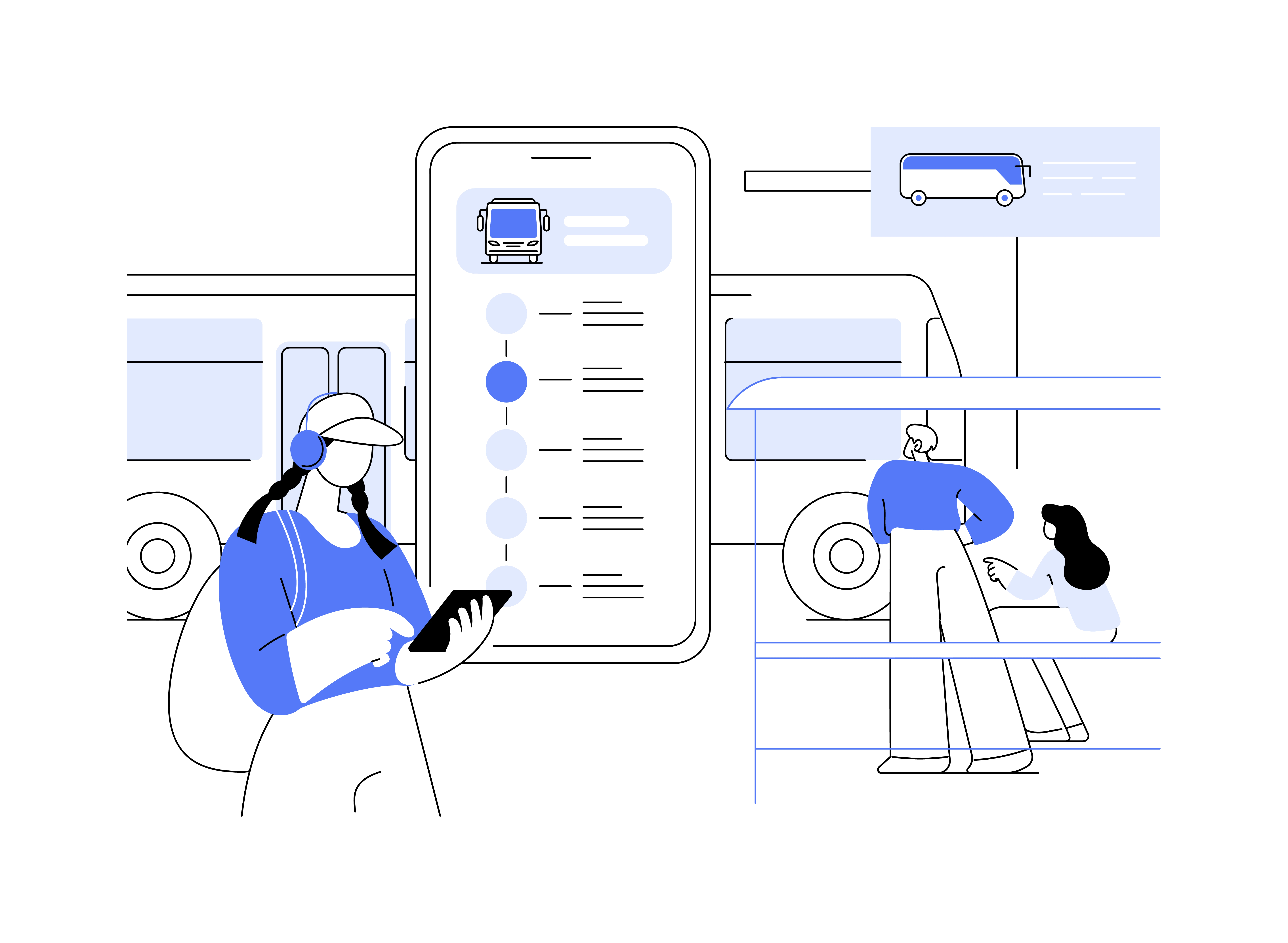
Dispatch and optimise
Assign vehicle-driver pairs, add deadhead, avoid double bookings – all on one screen.
Completely free
No add-on – dispatching is part of the Busly Software.
Schedule as many jobs, buses and drivers as you like – no setup, no subscription, no commitment.
- ∞
- Jobs per month
- ∞
- Buses and drivers
- 0 €
- Setup fee
Frequently asked questions about dispatching
Everything about planning, conflicts and integrations
Yes. You can manually create external jobs as a booking – with customer, route, passenger count and date. These jobs appear in the plan and are part of the utilisation check just like any other job.
Overlapping slots on the same resource are highlighted with a red ring in the calendar. The column header also shows a red indicator as soon as a bus or driver has a conflict – parallel job, maintenance, holiday or standby phase.
Yes. For jobs with separate outbound and return, the wait time is shown as a standby phase – bus and driver are tied up but not in motion. You can decide whether the resource is blocked during that time or available for short jobs.
Day view (all buses or drivers as columns with hourly slots), week view (one resource in detail over seven days), filters for available resources and a utilisation indicator per bus. Mobile shows a condensed list view.
When you reserve bus and driver before the offer, the resources are blocked visibly in the calendar for other requests. As soon as a binding offer is sent, the pre-reservation becomes a booking. If the customer declines, the slot is freed up again.
Try dispatching for yourself
Register for free and plan your first day in under 15 minutes – no training, no lock-in.